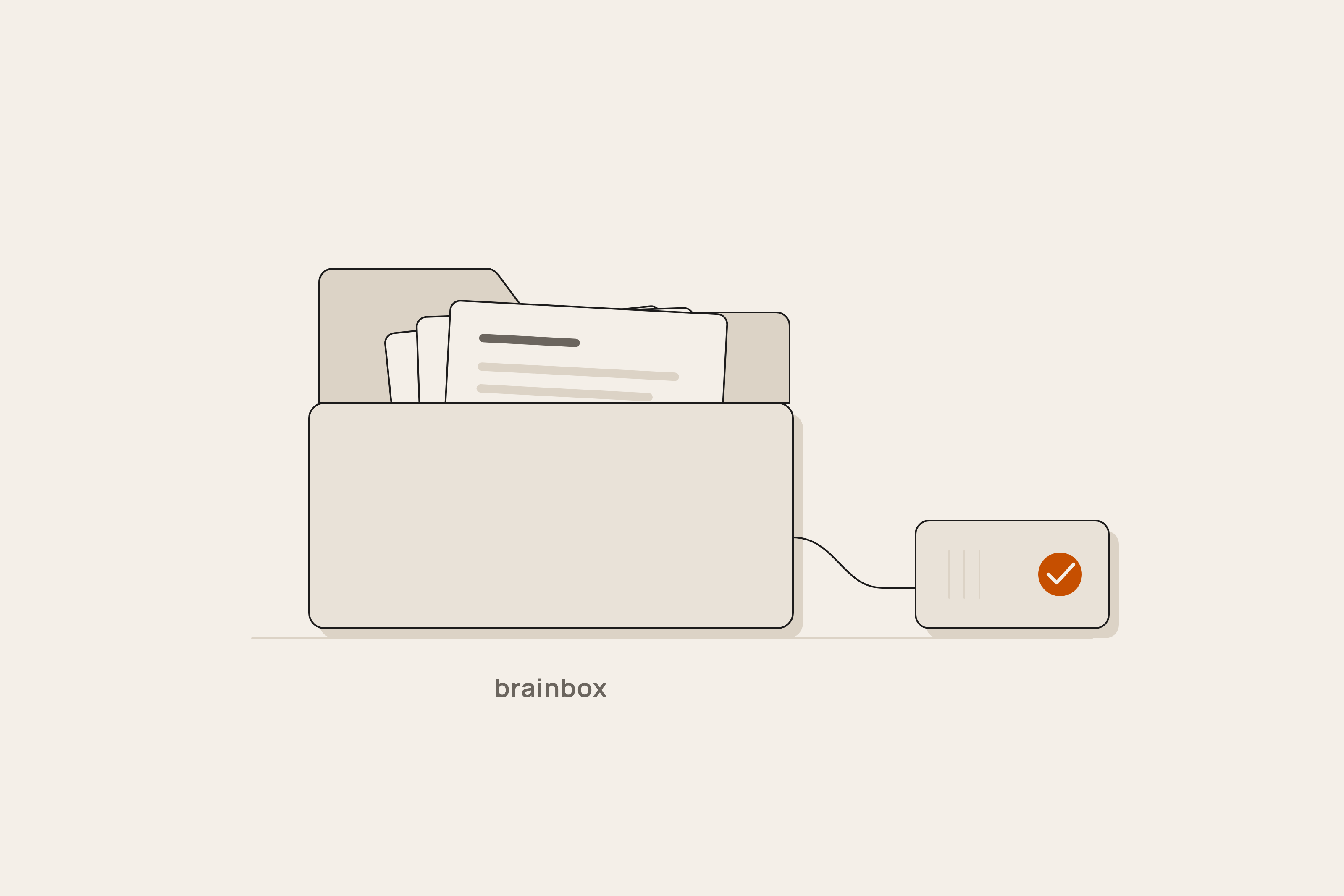
One command. One folder.
The installer puts the tools, the models, the index, and a login item on a Mac, then opens the app in your browser.
curl -fsSL https://raw.githubusercontent.com/jravinder/brainbox/main/install.sh | bashRead the script first: install.sh on GitHub. It does four things.
- Checks the machine: chip, memory, disk, OS version.
- Installs Homebrew and Ollama with analytics off, and pulls the models for the profile.
- Clones BrainBox, creates the index folder and
brainbox.yaml, adds a login item. - Opens the app and runs one test question against a sample page.
Flags
Append flags after bash -s --. Example: | bash -s -- --profile field --no-audio.
--client NAMEName the install. Used in the backup folder and the usage log.--profile desk|fieldPick the model set and the bind.--model NAMEOverride the chat model. Any Ollama tag.--no-audioSkip the transcription model.--no-visionSkip the vision model.--tailscaleBind to the Tailscale address.--uninstallRemove the login item, the tools, and the models. Keeps your archive folder.brainbox.yaml
One file controls the install. Edit it and restart BrainBox.
profile: desk            # desk | field | desk-m5-lily
policy: local-only       # cloud path off; set your own key to turn it on

engine: ollama           # ollama | openai
engine_url: http://127.0.0.1:11434

models:
  chat: gemma4:e4b
  embed: nomic-embed-text
  vision: qwen3-vl:8b

modalities:
  audio: true            # transcribe recordings on the machine
  vision: true           # describe photos on the machine

bind: 127.0.0.1          # 127.0.0.1 | 0.0.0.0 | tailscale
port: 8787
Profiles
A profile picks the models, the bind, and the modalities for a class of machine. Measured numbers are on the benchmarks page.
| desk | field | desk-m5-lily |
|---|---|---|
| Mac mini or MacBook, M2 or newer, 16 GB minimum. Ollama with gemma4:e4b, nomic-embed-text, qwen3-vl:8b. Binds to the machine only. | Jetson AGX Orin or Orin Nano. The model set that fits the memory. Own Wi-Fi hotspot, bind 0.0.0.0 so a phone can reach /ask. | Mac mini M5 Pro or Mac Studio M5. Chat through Perplexity's lily engine on the OpenAI-style endpoint. Ollama stays for embed and vision. |
Backup
scripts/backup.sh copies the archive folder, the index, and brainbox.yaml to a folder or a drive you name, then restores the copy and runs one search against it. The backup counts as done only when that search returns the right page.
scripts/backup.sh /Volumes/Backup/brainboxUninstall
curl -fsSL https://raw.githubusercontent.com/jravinder/brainbox/main/install.sh | bash -s -- --uninstallRemoves the login item, the code, Ollama, and the models. Your archive folder and your backups stay. Delete the folder to remove everything.